PIXELS
Fewer pixels, smaller file
The more pixels a picture has, the larger the file. Doubling the width and height quadruples the pixels, so resizing is the biggest saving.
How to resize photopare
Start
PHOTO FILE SIZES, EXPLAINED
A photo file is mostly pixels, and how they are packed.
Three things decide how big a picture file is: how many pixels it has, how hard it is compressed, and which format does the compressing. Get those right and a photo can shrink a long way before anyone notices.
SIZE IT RIGHTthen choose the format
Compare formatsKeep in mind
THE SHORT ANSWER
File size follows the pixel count.
Compression and format decide the rest.
PIXELS
The more pixels a picture has, the larger the file. Doubling the width and height quadruples the pixels, so resizing is the biggest saving.
How to resizeCOMPRESSION
JPEG is the most widely used lossy format and works well for photos. On sharp diagrams or charts, lossy compression can give unsatisfactory results.
See the numbersFORMATS
WebP and AVIF generally compress better than older formats. MDN puts lossy AVIF at around 50% smaller than JPEG for a similar look.
Compare formatsA QUICK FORMAT CHECK
Pick a format to see how many bits the median web image in it uses for each pixel. An uncompressed colour image needs 24. The bar shows how heavy the format is in practice.
Median bits per pixel for images on mobile pages, from the HTTP Archive Web Almanac 2024. Real files vary with content and settings.
TWO NUMBERS WORTH KNOWING
One figure on what JPEG saves,
one on how the formats compare today.
10–20× smaller
Typical reduction in file size
The Library of Congress says typical JPEG settings give 10:1 to 20:1 reductions. For comparison, the Web Almanac's rule of thumb for lossless compression is about 2:1.
JPEG · LIBRARY OF CONGRESS
1.3 bits
Median bits per pixel, WebP images
Against 24 bits per pixel uncompressed, the median WebP used 1.3 bits, AVIF 1.4, JPEG 2.0, PNG 3.8 and GIF 6.7, on mobile pages crawled in 2024.
THE WEB IN 2024 · WEB ALMANAC
JPEG is still the most common image format on the web, but its share fell from 40% of images in 2022 to 32% in 2024, while WebP, SVG and AVIF grew (Web Almanac 2024).
FOUR STEPS TO A SMALLER PHOTO
Most photo apps can do all of this. The order matters: keep the original safe, cut the pixels you do not need, then choose the format.
Step 1
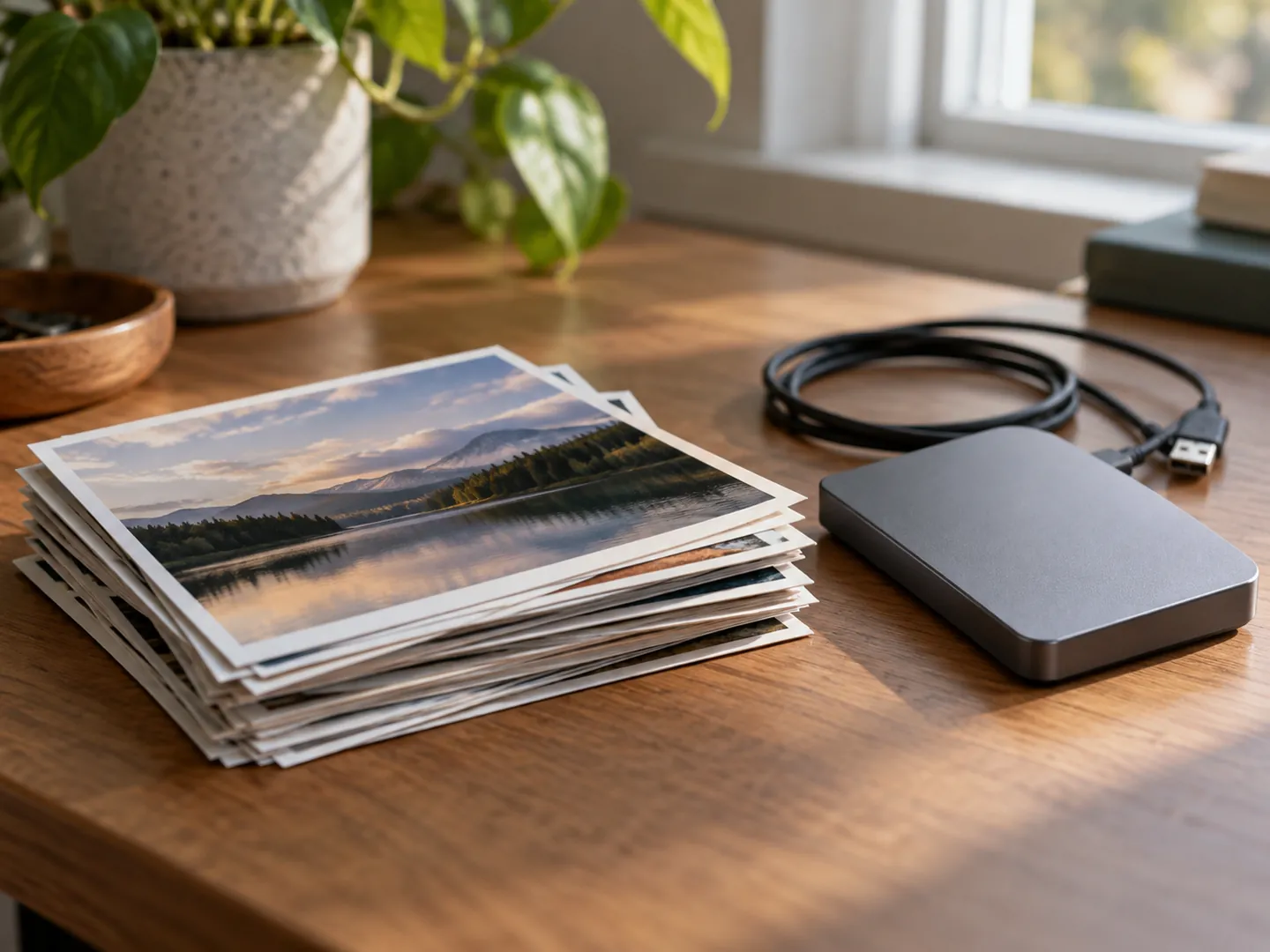
Work on a copy. The Library of Congress prefers uncompressed files as image masters, because lossy compression throws detail away.
Step 2
Pixels drive file size. A picture for a message or web page rarely needs the full camera resolution.
Step 3
Photos: JPEG, lossy WebP or AVIF. Fine detail you must keep, or transparency: PNG or lossless WebP.
Step 4
Scaling a pixel image up does not add detail: web.dev notes it looks jagged and blurry instead.
LOSSY OR LOSSLESS
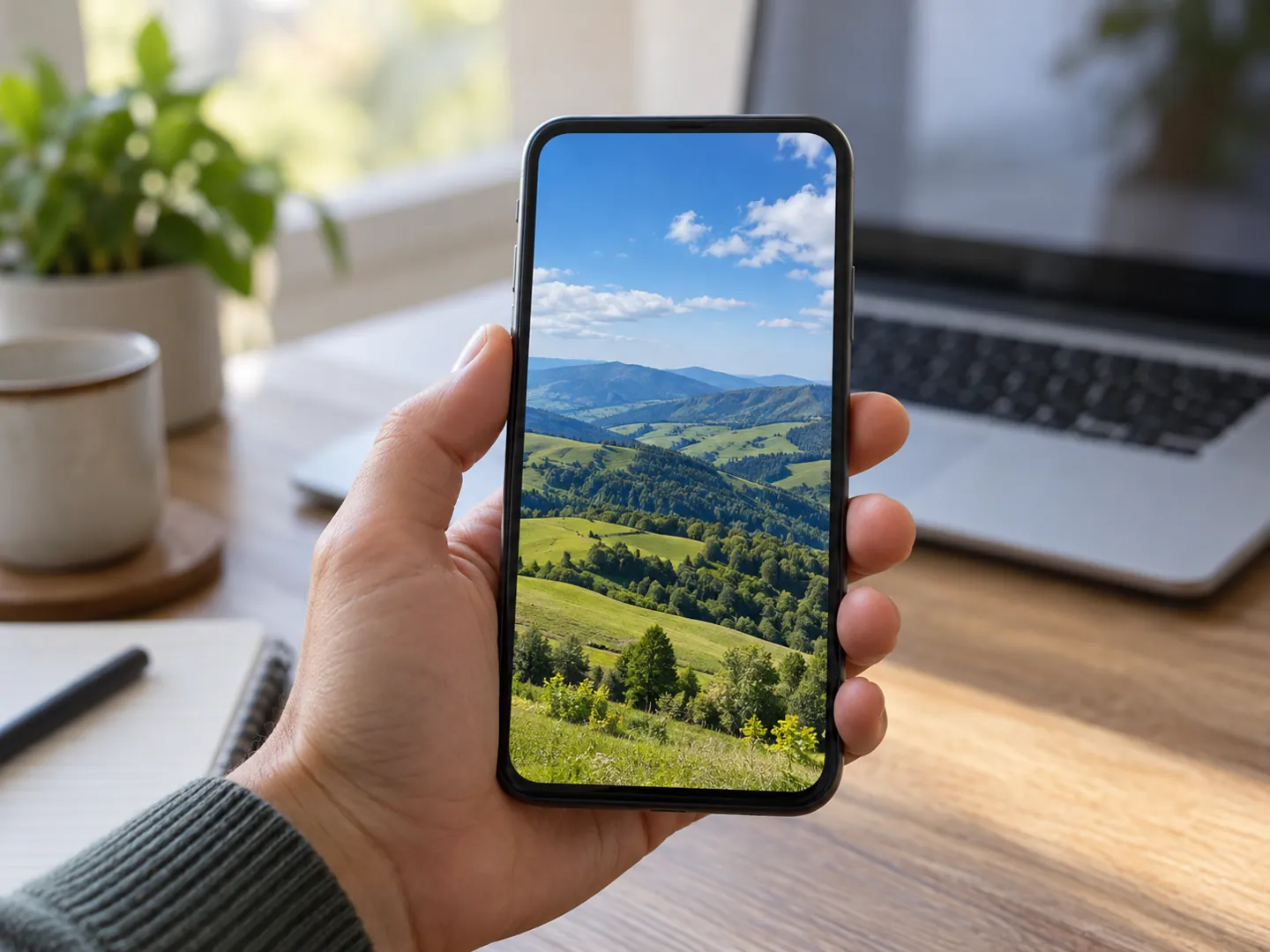
Lossless compression, as in PNG, gives back exactly the image that went in. Lossy compression, as in JPEG, discards some detail to make the file far smaller, and quality depends on the encoder and how hard it squeezes.
That is why photographs usually travel as JPEG or a newer lossy format, while logos, charts and images with transparent backgrounds are often kept as PNG.
Questions
A colour image without compression needs 24 bits for every pixel, and modern photos have millions of pixels. Compression and resizing are what bring that down.
JPEG's usual modes are lossy: they discard some detail. The Library of Congress notes quality depends on the encoder and how much compression is applied. PNG is lossless, so the decoded image matches the original.
For photos, web.dev suggests JPEG, lossy WebP or AVIF. PNG keeps the highest quality but produces significantly larger files, so it suits graphics and fine detail better.
Newer image formats that generally compress better than JPEG and PNG and work in all modern browsers. They support transparency and animation too.
In the 2024 Web Almanac, JPEG made up 32.4% of images, PNG 28.4%, GIF 16.8% and WebP 12%. JPEG's share fell from 40% in 2022.
Destination
ABOUT THIS NAME
photopare.com is part of the DoodleSale portfolio. It isn't in an auction right now, but you can ask about leasing it.